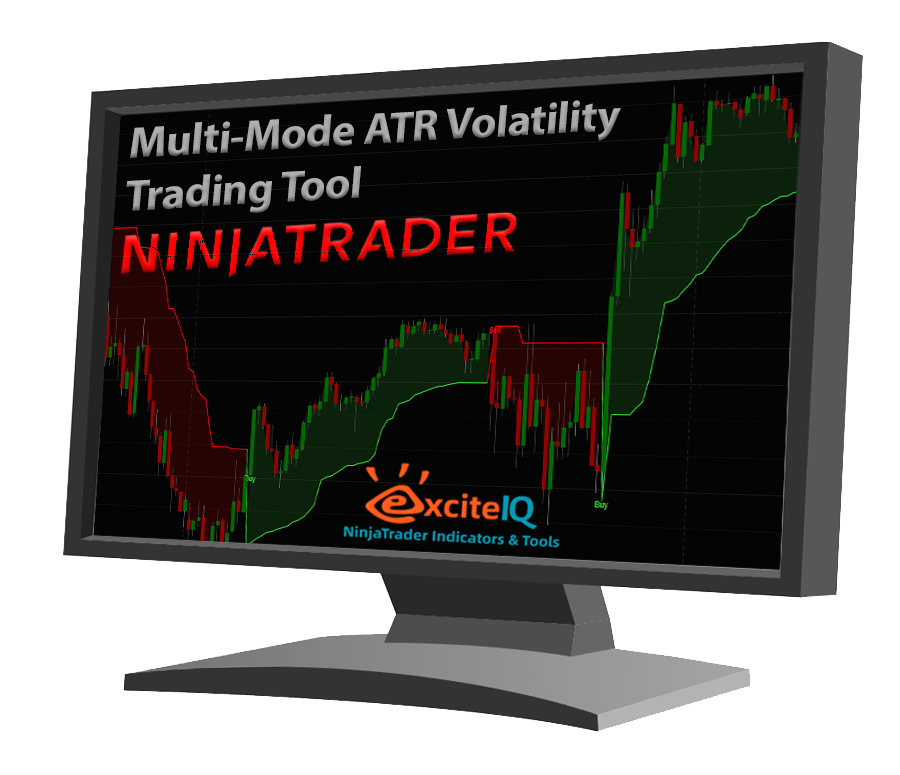
Dynamic ATR Volume Profile Levels for NinjaTrader
Free 7 Day Trial
How the 7 Day Trial Works
Complete the form to request your free 7 day trial.
After you submit the form, we will check your details, set up the correct NinjaTrader licence, and send you a download link for the trial indicator and PDF user manual.
Please choose the licence type that matches your NinjaTrader installation.
Which Licence Type Should I Choose?
User-Based Licence
Choose this if you are using a newer version of NinjaTrader that supports user-based licensing. With this option, your trial is linked to your NinjaTrader account email. If your NinjaTrader account email is different from the email entered above, please enter it in the NinjaTrader account email field.
Machine ID Licence
Choose this if you are using an older NinjaTrader 8 installation, or if you prefer legacy Machine ID licensing. You can find your Machine ID inside NinjaTrader by going to:
Control Center > Help > About
Copy the Machine ID shown and enter it in the Machine ID field.
Not Sure Which One to Choose?
If you are unsure, select the option that best matches your NinjaTrader version and include either your NinjaTrader account email or your Machine ID. We will review your details before activating the trial. If anything is missing or unclear, we will contact you before sending the download link.
Important
This is a NinjaTrader Desktop indicator. It requires a working NinjaTrader 8 Desktop installation and suitable market data for the instrument you want to use.